AI Governance Hub • Creator Studio early access • Recording and editing stay in flow
Recording and editing can run togetherPaid creator access from ₹299
Live creator workflow
Keep recording. Edit what already happened.
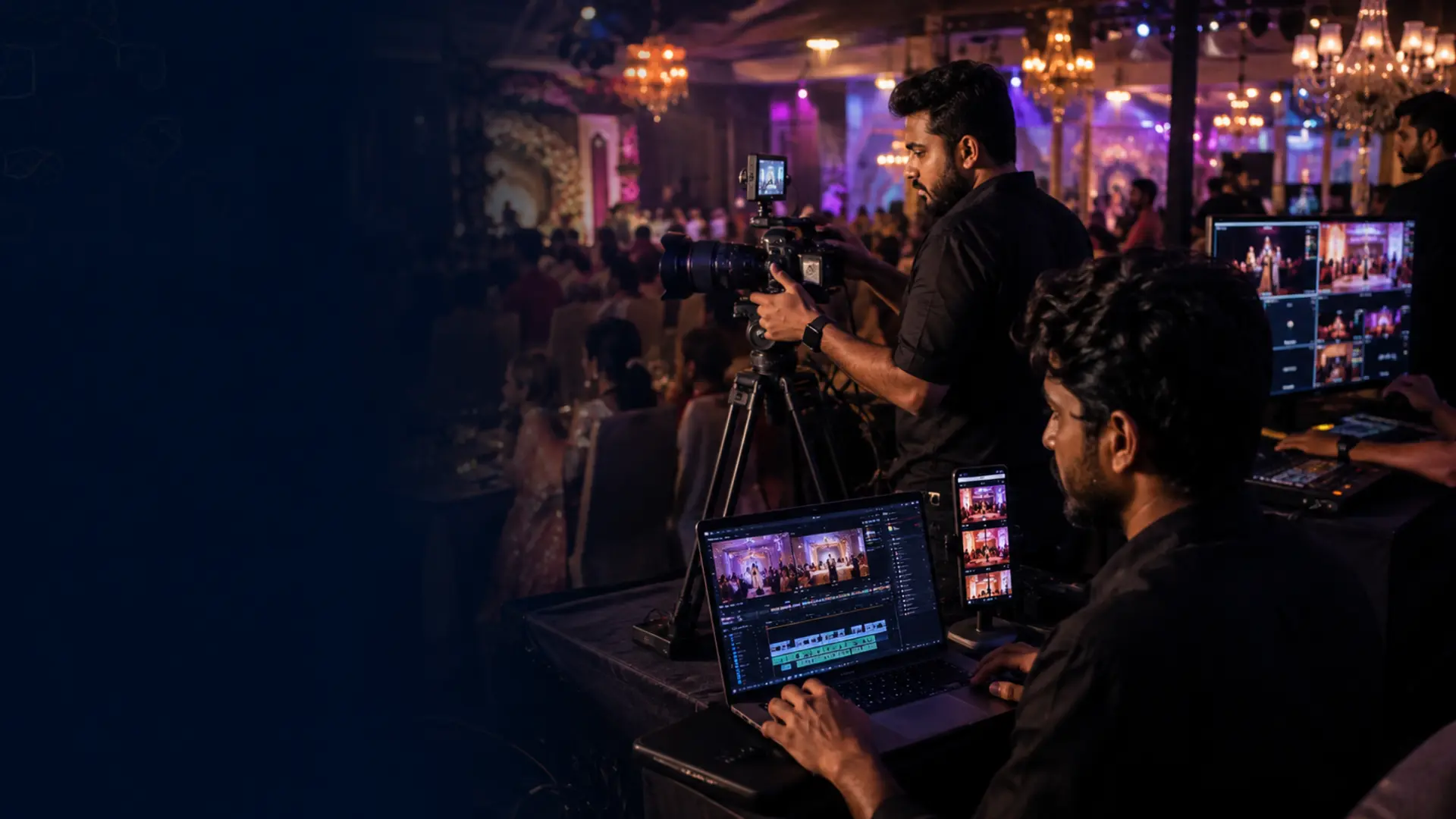
The paid Studio for photographers, event teams and creators who cannot wait until the camera stops. Close a rolling 30-minute block, move it into editing and keep the next block recording.
No free creation modeCreator passes from ₹299Provider generation billed to your own accountOptional AIGH Secure Cloud
Live workspace
Record and edit in one flow
Not recordingSession 00:00:00Paid credits 0:00
Creator accountSign in to protect purchasesYour recording can stay local, but signing in makes paid edit credits and AIGH cloud recordings recoverable across devices.
Phone: use a current Chrome or Safari browser and allow camera + microphone; Creator Studio prefers the rear camera automatically. Camera rig: connect a DSLR or mirrorless camera to a laptop/desktop through a browser-visible capture device, then choose that video source before recording.
For privacy, camera names are not queried on page load. After an approved session, browser-visible camera names can be selected for the next session.
Screen wake lock will be requested while recording when the browser supports it.Keep Creator Studio in the foreground and the device on power for long sessions. Keep the camera's native recording as backup for critical events.Camera and microphone are never started on page load. Creator Studio asks for explicit in-app consent before every new recording session.
●Camera is offStart when your event begins. Creator Studio always asks you first, then requests browser camera + microphone access if needed. On phones it prefers the rear camera.
RECBlock 100:00 / 30:00
Long-session preflightChecking local recording storage…Keep this tab in the foreground and the device on power. Finished blocks remain on this device; keep the camera's native recording as backup for critical events.
Cloud backup: checking private storage…
The instruction is carried into each new edit block. AI generates a non-destructive edit plan; the original recording is kept intact.
Non-destructive editor
Edit the finished block while live capture continues
Choose a block from the queue
A finished recording block will preview here.
seconds
Manual trim, speed, crop/rotate, mute, text overlay and export are included with an active paid Creator pass. Rendering stays in this browser on supported desktop browsers; your original is never changed.
Select a block to calculate editable source seconds.
AI edit planAI suggestions appear here. AI edit credits unlock source-time for the plan; manual export controls above are included with an active paid Creator pass.
Create with AI video
A focused creation desk—not a wall of tools
Choose a starting point, prepare a production-ready brief and keep provider payment inside your own account.
Paid Studio access · customer-owned provider billing
Two verified outcomes are recommended for you. Studio never silently switches the provider or resolution.
Reference images stay in this browser memory. AIGH does not upload or retain them; add them again inside Kling.
0 / 1800
Runs locally—your prompt is not sent anywhere.
Start from a proven briefClick once, then make it yours.
Best Value · Kling 3.0 ProNative 1080p · 5–15 seconds · native audio available.AIGH generation charge: ₹0 · Kling bills your provider account directly.
No provider password or API key requiredStudio copies a provider-ready brief and opens Kling in a new tab. Generate and pay there, then import the downloaded result for editing. Open Kling manually
Sign in and use your own provider account. AIGH does not maintain or sell generation credits.
Your footage
Bring a video into the editor
The file is read locally and stays on this device unless you explicitly selected AIGH Secure Cloud. The original is never overwritten.
An active Creator pass is required before the file picker opens.
Your media
My recordings
Local media stays on this device unless you explicitly choose AIGH Secure Cloud.
On this device
Blocks, Shorts and edited exports saved in this browser
0
No saved recordings yetFinished blocks will reappear here after you return to Creator Studio on this device.
AIGH Secure Cloud
Signed-in, explicitly backed-up sessions only
0
No cloud sessions shownSign in to see cloud recordings associated with your Creator purchases.
Parallel output
Shorts
0
No Shorts yetCapture a 60-second vertical moment without interrupting the main recording.
Assembly
Master queue
0
Nothing approved yetAdd any finished block to build the final program in order.
Publish
Export & connections
Download and device-share work now. Direct channel publishing requires each platform's OAuth app to be connected.
Usage-based monetization
Paid AI editing with exact source-second accounting.
Recording never stops because a plan expires. Only AI editing locks. Unique source seconds are unlocked once, so re-prompting the same unlocked span does not bill it again.
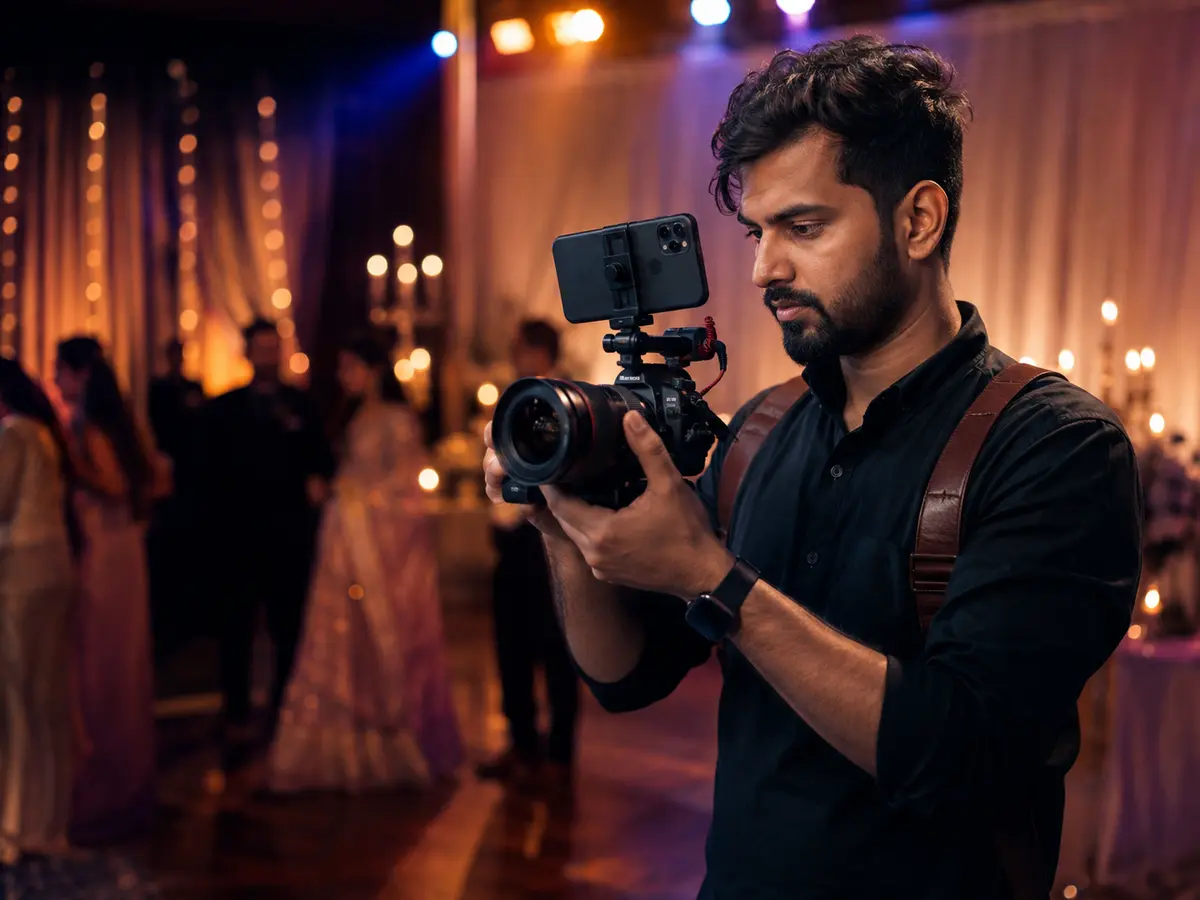 PhotographersCamera in hand. Editor moving.Open setup →
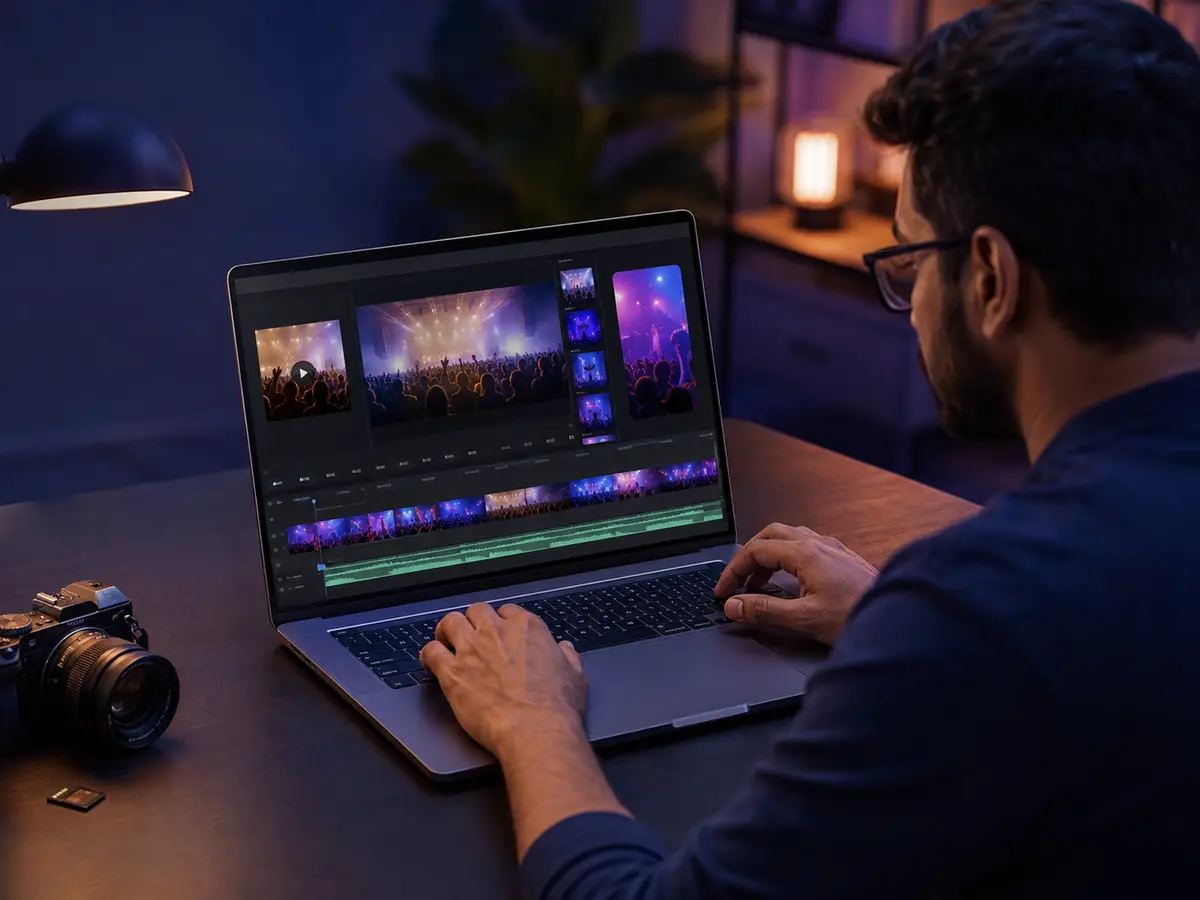 Your footageUpload, edit and keep the source.Import a video →
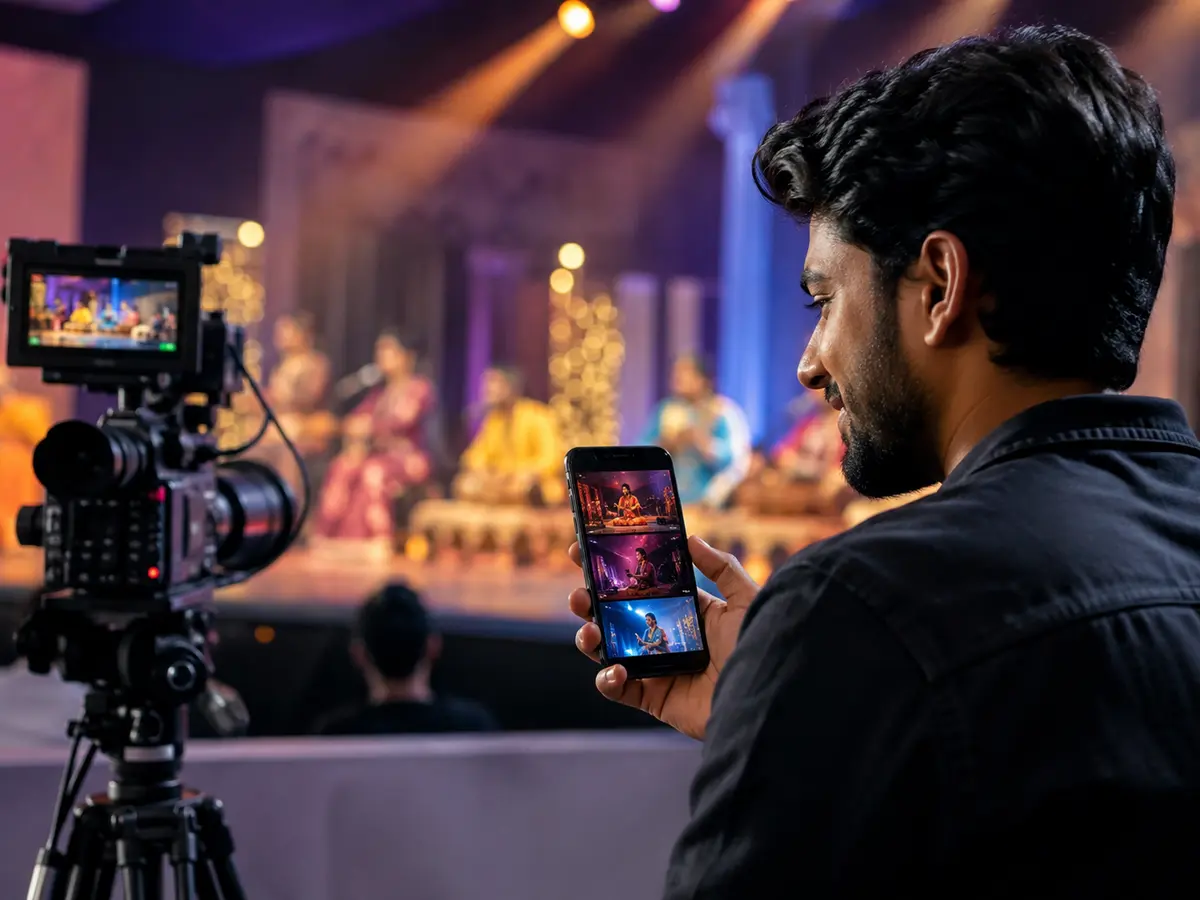 Influencers & socialShorts before the session ends.Open Shorts →